
 Posted by
 vnROM FRP Bypass apk (Latest version) Complete Guide For Windows (2026)
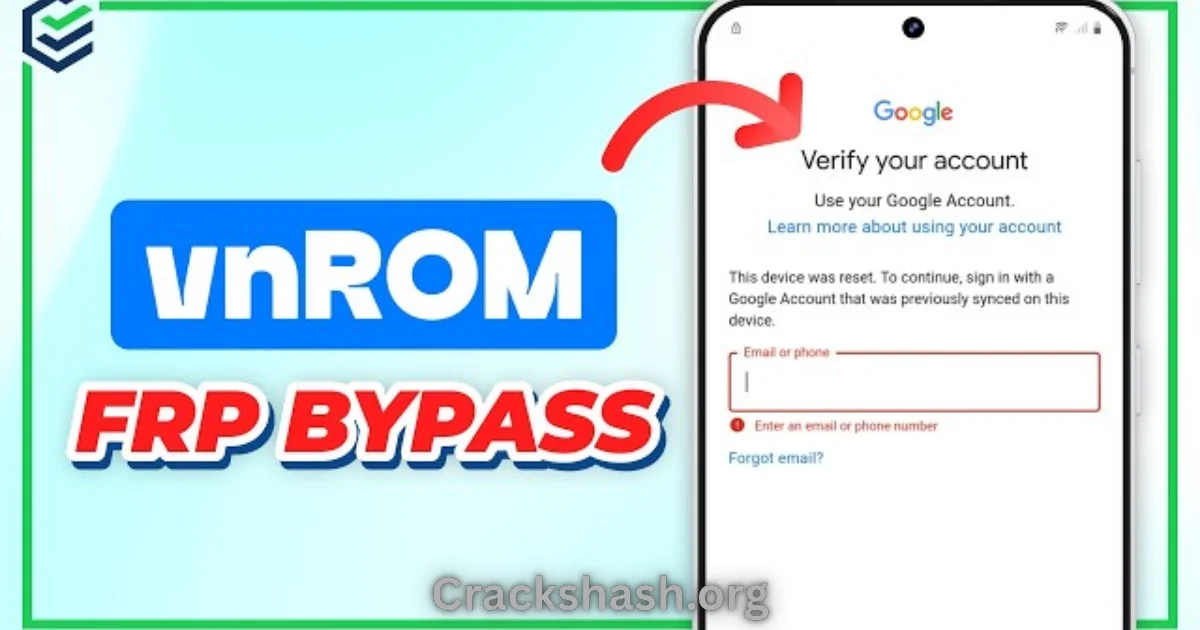
Are you facing issues with Factory Reset Protection (FRP) on your Android device? The vnROM FRP Bypass apk provides an effective solution. This mobile tool allows users, especially Android enthusiasts and technicians, to bypass FRP locks efficiently. In this guide, you’ll find everything you need about the latest version, which serves as a standalone setup for both Windows 10 and Windows 11 users. It also offers official free trial access to ensure it meets your needs in 2026.
What Is vnROM FRP Bypass apk and Why It Matters?
The vnROM FRP Bypass apk is an innovative tool designed to remove the Google account lock enforced by Android devices following a factory reset. Released initially to help users regain access to their devices, it has evolved over time to remain relevant and useful, especially for individuals who may forget their account credentials. The app effectively allows users to unlock their devices by bypassing the FRP, making it an essential ally for both casual users and technicians alike.
One lesser-known fact about this app is that it supports a wide range of Android versions, from 5.1.1 to 10.0, helping a multitude of devices. As we venture into 2026, the ongoing need for solutions like vnROM remains crucial due to increasing security measures on devices, enhancing its significance in your toolkit.
How vnROM FRP Bypass apk Works? (Simple Explanation)
The vnROM FRP Bypass apk operates through a series of straightforward steps. When users open the tool, it prompts them to connect their Android devices via USB to a Windows computer. Upon detecting the device, the application communicates with the internal system settings to identify the current account lock configuration. By utilizing specific commands, it overrides the existing lock, allowing the user to reset their access without losing data or functionality.
This seamless integration between your device and Windows makes it a go-to solution for those encountering FRP challenges.
Key Features That Improve Your Workflow
- Fast Operation: The vnROM apk completes the bypassing process quickly, allowing users to regain access without long waiting periods.
- User-Friendly Interface: The tool is designed with simplicity in mind, making it accessible for all skill levels.
- Wide Device Compatibility: Supports a variety of Android devices across numerous manufacturers.
- Offline Installer: Functions without needing an internet connection after downloading.
- Frequent Updates: Regular updates ensure the tool remains effective against new security measures.
- Automated Processes: Many steps are automated to minimize errors and user intervention.
- Safe and Secure: The application has undergone extensive testing, ensuring it does not compromise user data or device integrity.
- Multiple Language Support: Catered to a global audience with various language options.
- Helpful Community Support: Access to user forums and technical support to tackle issues as they arise.
- No Hidden Fees: Users can access all essential features without any upfront payments or recurring charges.
System Requirements
| Requirement | Details |
|---|---|
| Operating System | Windows 10 and 11 |
| RAM | At least 4 GB |
| Processor | Dual-core or higher |
| Disk Space | Minimum of 100 MB free space |
| USB Driver | Compatible Android USB drivers installed |
vnROM FRP Bypass apk Download Details and Setup Info
| Detail | Information |
|---|---|
| File Size | 28 MB |
| Latest Version | Latest |
| Setup Type | Offline Installer |
| Cost | Free |
| Safety Tips | Always download from reputable sources to avoid malware. |
How to Download and Install vnROM FRP Bypass apk
Follow these simple steps to download and install the vnROM FRP Bypass apk:
- Step 1: Download from the link given at the end of the article.
- Step 2: Go to Settings > Security.
- Step 3: Enable Install Unknown Apps.
- Step 4: Open the APK file.
- Step 5: Tap Install.
Use the download links provided in the section below.
Common Errors and Easy Fixes
1. Installation Errors
Cause: Missing permissions.
Simple Fix: Ensure Install Unknown Apps is enabled in settings.
2. Driver Issues
Cause: Incorrect or outdated drivers.
Simple Fix: Update your Android USB drivers.
3. Device Not Detected
Cause: Connection problems.
Simple Fix: Check USB connection and cable.
4. Compatibility Issues
Cause: Unsupported Android version.
Simple Fix: Check device compatibility with the app.
5. Crashes
Cause: Conflicting software.
Simple Fix: Close unnecessary applications running in the background.
Pros and Cons You Should Know
Pros
- Easy to install and use.
- High success rate in bypassing locks.
- Regular updates to adapt to new security features.
- Supports a wide range of Android devices.
- No hidden charges for essential features.
- Minimal user intervention required for operation.
Cons
- May not work on all Android versions.
- Requires a computer for setup.
- Some users may face initial connection issues.
- Not officially endorsed by Google, thus requires caution.
- Potential learning curve for first-time users.
- Occasional updates may lead to temporary bugs.
Best Alternatives to vnROM FRP Bypass apk
If vnROM doesn’t meet your needs, consider these alternatives:
Frequently Asked Questions
What is the vnROM FRP Bypass apk?
It is a mobile application designed to bypass Google account locks on Android devices.
Is vnROM FRP Bypass apk safe to use?
Yes, when downloaded from verified sources, it is considered safe.
Can I use vnROM on any Android device?
It supports devices running from Android 5.1.1 to 10.0.
Do I need a computer to use this app?
Yes, you must connect your Android device to a Windows computer.
What operating systems are compatible?
It is compatible with Windows 10 and Windows 11.
Is there a cost for using vnROM FRP Bypass apk?
No, it is available for free.
How often is vnROM updated?
The tool receives regular updates to maintain effectiveness against new security features.
Download vnROM FRP Bypass apk for Windows:
Main Server (Direct Download):
Final Verdict: Is It Worth Using in 2026?
In conclusion, the vnROM FRP Bypass apk remains a valuable tool for overcoming the challenges posed by Factory Reset Protection in Android devices. With user-friendly features and a high success rate, it continues to be a preferred choice for both casual users and technicians. If you often find yourself in need of unlocking your device following a reset, this apk is undoubtedly worth considering.