
 Posted by
 Sony Xperia U20a Screen Lock Reset File Complete Guide For Windows (2026)
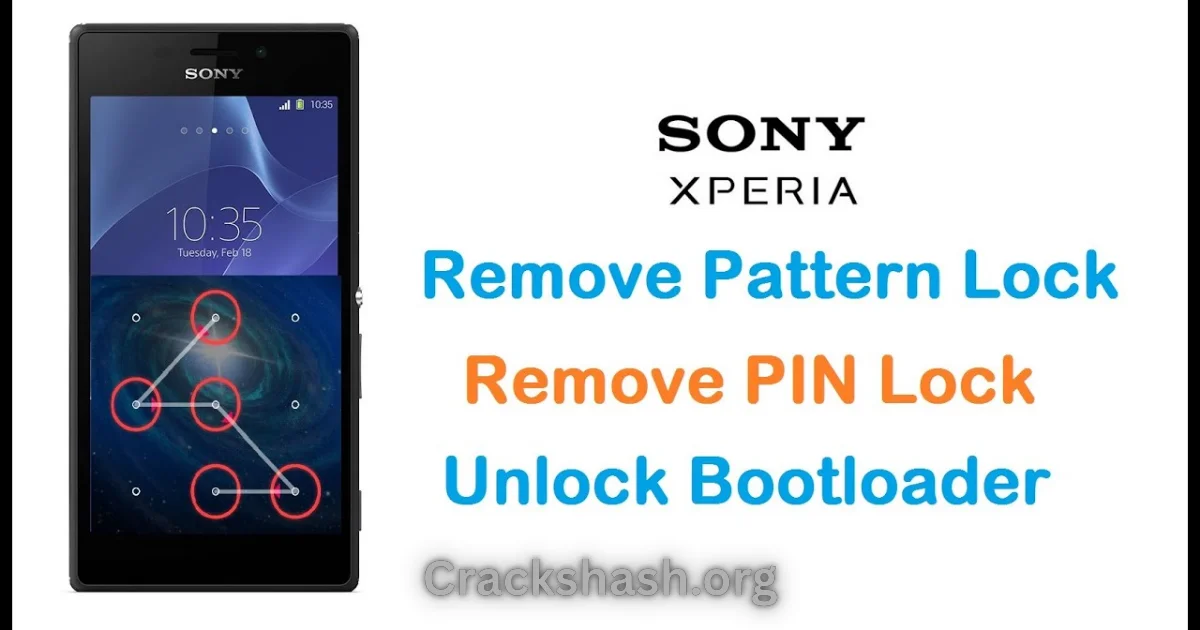
The Sony Xperia U20a Screen Lock Reset File is a vital tool for anyone who has forgotten their screen lock—whether it’s a PIN, pattern, or password. This offline installer comes with a standalone setup designed for both Windows 10 and Windows 11 users. With official free trial access, this guide will help you navigate the process smoothly, making it easier for Android users and technicians to reset their device locks. This guide is essential in 2026 as security measures become more stringent and users seek reliable methods to regain access to their devices.
What Is Sony Xperia U20a Lock Reset File and Why It Matters?
The Sony Xperia U20a Lock Reset File is a specialized software tool developed specifically to help users unlock their Sony Xperia smartphones and tablets. Launched by Sony, this tool is designed to address the common issue of locked screens caused by forgotten passwords or patterns. It was created to simplify the unlocking process while ensuring device security is maintained.
One of its lesser-known features is its ability to reset the Factory Reset Protection (FRP) lock, making it a must-have for anyone who may need to perform a factory reset. In 2026, this tool remains relevant as smartphones continue to evolve, and users increasingly encounter challenges accessing their devices effectively.
How Sony Xperia U20a Lock Reset File Works? (Simple Explanation)
The Sony Xperia U20a Lock Reset File interacts with your device in a straightforward manner:
- When the user opens the tool on Windows, it establishes a connection with the Xperia device.
- You then select the appropriate lock reset file.
- The tool flashes the selected file onto the device, thereby removing the existing lock.
- Once completed, the device reboots, allowing access without the previous security barriers.
Key Features That Improve Your Workflow
- Speed: Flashing is generally completed in minutes, saving you time and hassle.
- Ease of use: User-friendly interface makes navigation simple for everyone.
- Automation: The tool automates the majority of the flashing process, reducing manual errors.
- Device compatibility: Works seamlessly with various models of Sony Xperia devices.
- Security: Ensures that sensitive data is handled carefully during the reset process.
- Frustration-free experience: Designed for troubleshooting without advanced technical knowledge.
- Multiple language support: Available in various languages to cater to a global audience.
- Backup reminders: Prompts users to back up their data before starting the reset process.
- No internet access required: Functions offline, which increases accessibility for users without stable connections.
- Constant updates: Regular updates ensure compatibility with newer device models.
System Requirements
| Operating System | Windows 10 or Windows 11 |
|---|---|
| RAM | At least 2 GB |
| Storage | Minimum 500 MB free space |
| Processor | 1 GHz or faster |
| USB Driver | Sony Xperia USB Driver needs to be installed |
Sony Xperia U20a Lock Reset File Download Details and Setup Info
- File Name: Sony_Xperia_U20a_Screen_Lock_Reset.ftf
- File Size: 1 MB
- Setup Type: Offline installer
- Price: Free
- Safety Tips: Always download from official sources to avoid malware.
- Avoid fake downloads: Check user reviews and digital signatures.
How to Download and Install Sony Xperia U20a Lock Reset File
Step 1: Download from the link given at the end of this article.
Step 2: Go to Settings > Security.
Step 3: Enable Install Unknown Apps.
Step 4: Open the APK file.
Step 5: Tap Install.
Use the download links provided in the section below.
Common Errors and Easy Fixes
- Installation errors: Often due to insufficient permissions. Ensure you have administrator rights.
- Driver issues: Ensure that the latest USB drivers are installed.
- Device not detected: Make sure the device is in flash mode and properly connected.
- Compatibility issues: Ensure the tool is compatible with your device model.
- Crashes: Restart your computer and try again. If the issue persists, re-download the installer.
Pros and Cons You Should Know
Pros:
- Quick and efficient unlocking process.
- User-friendly interface.
- Compatible with various Xperia models.
- Free to use with no hidden costs.
- Secure and optimized for device safety.
Cons:
- Requires USB connection, limiting portability.
- Data loss is possible without backup.
- Windows-only tool may exclude other users.
- May not work on heavily customized ROMs.
Best Alternatives to Sony Xperia U20a Lock Reset File
If you are looking for alternatives to the Sony Xperia U20a Lock Reset File, consider the following tools:
- Odin Tool – Great for Samsung devices.
- Qualcomm Flash Image Loader – Useful for Qualcomm-based devices.
- SP Flash Tool – Ideal for MediaTek devices.
Frequently Asked Questions
1. What is the Sony Xperia U20a Lock Reset File?
It’s a tool to unlock the screen of Sony Xperia devices by flashing new firmware.
2. Is it safe to use?
Yes, when downloaded from official sources, it’s safe for your device.
3. Can this reset file erase my data?
Yes, it may erase data, so always back up beforehand.
4. Which Windows versions support this tool?
It supports both Windows 10 and Windows 11.
5. Does it work for all Sony Xperia devices?
No, it’s specifically designed for the U20a model.
6. What should I do if my device isn’t detected?
Ensure the USB drivers are installed and the device is in flash mode.
7. How often is the tool updated?
Updates are provided regularly to enhance compatibility and security.
Download Sony Xperia U20a Lock Reset File for Windows:
Main Server (Direct Download):
Backup Server (Mirror Download):
Final Verdict: Is It Worth Using in 2026?
The Sony Xperia U20a Lock Reset File remains a valuable tool for users who face access issues with their devices. Its simplicity, effectiveness, and continued relevance in 2026 make it a must-have for both everyday users and technicians. By following this guide, you’ll find that regaining access to your phone is a straightforward process.