
 Posted by
 Sony Xperia C5502 Screen Lock Reset File Complete Guide For Windows (2026)
The Sony Xperia C5502 Screen Lock Reset File is an essential tool for unlocking your device’s screen lock, including PIN, Pattern, and Password security. Ideal for Android users and technicians, this offline installer provides a standalone setup that runs smoothly on Windows 10 and Windows 11. This guide is vital in 2026 as it helps you access official free trial access efficiently, simplifying the unlocking process for Xperia users. Dive in to discover how this tool can solve your screen lock issues effortlessly.
What Is the Sony Xperia C5502 Screen Lock Reset File and Why It Matters?
The Sony Xperia C5502 Screen Lock Reset File was developed to assist users in removing locked screens, ensuring they can regain access to their devices without hassle. Initially launched to provide a reliable solution for various locking mechanisms on Sony Xperia smartphones, it has evolved to increasingly address the needs of users as security features develop over the years.
This tool not only unlocks smart devices but also resets Factory Reset Protection (FRP). A lesser-known fact is that it also aids in restoring specific device functionalities, making it a universal solution for screen lock issues. It remains highly relevant in 2026, emphasizing user convenience and aiding technicians in their daily tasks.
How Sony Xperia C5502 Screen Lock Reset File Works? (Simple Explanation)
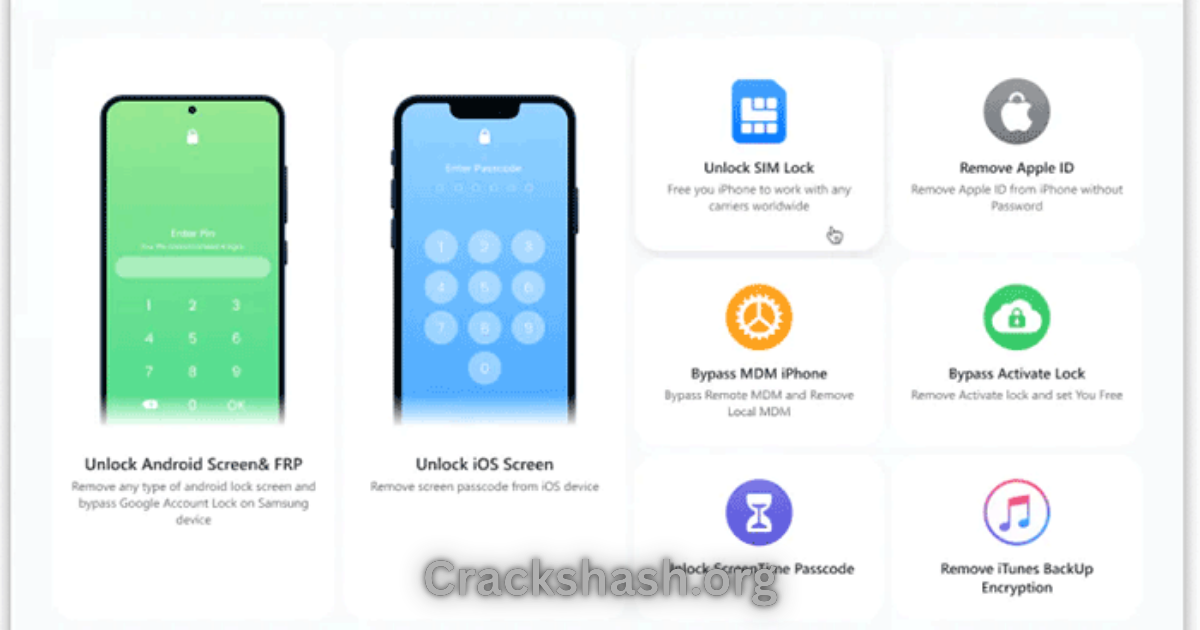
When you open the tool, it detects your connected Sony device through USB. The software guides you through easy steps to choose the correct reset file for your specific model. Here’s a brief look at its working:
- Connect your Xperia device to your Windows PC.
- Launch the tool, which communicates with your device through the installed drivers.
- Select the appropriate lock reset file.
- Begin the unlocking process, and the tool does the rest.
This simple interaction allows users even with minimal tech knowledge to manage their devices effectively.
Key Features That Improve Your Workflow
- Fast Processing: Completes tasks quickly, allowing you to access your device in no time.
- User-Friendly Interface: The intuitive layout makes navigation easy for everyone.
- Device Compatibility: Works seamlessly across various Sony Xperia models.
- High Security: Ensures your data is safeguarded during the unlocking process.
- Automation Features: Automatically detects the connected device and provides instructions.
- Backup Options: Encourages users to back up their data before proceeding.
- FRP Reset: Helps remove factory reset protection, offering complete control.
- Real-Time Feedback: Provides users with progress indicators during the process.
- Portable Setup: Can be used without installation for immediate access.
- Updated Support: Regular updates keep it in line with the latest security measures.
System Requirements
| Requirements | Details |
|---|---|
| Operating System | Windows 10 / Windows 11 |
| RAM | Minimum 2 GB |
| Storage Space | At least 500 MB free |
| USB Port | 1 USB Port (for device connection) |
| Internet Connection | Required for initial download |
Sony Xperia C5502 Screen Lock Reset File Download Details and Setup Info
File Name: Sony_Xperia_C5502_Screen_Lock_Reset.ftf
File Size: 499 KB
Setup Type: Offline Installer
Pricing: Free Trial Available
Safety Tips: Always download from official or trusted sources to avoid malicious files.
Be cautious of fake or harmful downloads from unreliable sources.
How to Download and Install Sony Xperia C5502 Screen Lock Reset File
Step 1: Download from the link given at the end of the article.
Step 2: Go to Settings > Security.
Step 3: Enable Install Unknown Apps.
Step 4: Open the APK file.
Step 5: Tap Install.
Use the download links provided in the section below.
Common Errors and Easy Fixes
- Installation Errors: These can occur if system requirements are not met. Ensure your system matches all specifications.
- Driver Issues: Check that you have the latest USB drivers installed for the Xperia device.
- Device Not Detected: Reconnect the device or try a different USB port.
- Compatibility Issues: Ensure you are using the correct reset file for your specific model.
- Crashes: Restart your computer and relaunch the application if it becomes unresponsive.
Pros and Cons You Should Know
Pros:
- Easy to use for anyone
- Works across multiple Xperia models
- Fast and efficient unlocking process
- Reliable support and updates
- Enhances user control over device security
Cons:
- Requires USB connection
- Must back up data due to potential loss during unlocking
- Initial setup may be confusing for some users
- Limited to Sony devices only
- Some features require advanced permissions
Best Alternatives to Sony Xperia C5502 Screen Lock Reset File
If you’re looking for alternatives, consider the following tools:
Frequently Asked Questions
What is a screen lock reset file?
A special file used to unlock and remove screen locks on Sony Xperia devices.
Is it safe to use?
Yes, as long as you download it from trusted sources.
Will it erase my data?
Yes, unlocking may result in data loss; it’s crucial to back up beforehand.
Can I use it on any Android device?
No, this specific file is made for Sony Xperia C5502 and similar models.
How do I ensure my device is detected?
Make sure you have installed the correct USB drivers on your computer.
What should I do if the process fails?
Reconnect your device and try again; ensure the file is compatible with your device.
Where can I download the reset file?
You will find the download links in the section below.
Download Sony Xperia C5502 Screen Lock Reset File for Windows:
Main Server (Direct Download):
Backup Server (Mirror Download):
Final Verdict: Is It Worth Using in 2026?
In conclusion, the Sony Xperia C5502 Screen Lock Reset File remains a must-have tool for Xperia users seeking to regain access to their devices without complications. With frequent updates and a user-friendly approach, it effectively addresses screen lock issues that many face in 2026. Make sure to utilize this guide to enhance your experience and solve your device problems efficiently!